v2.3.0 UPDATED

Welcome.

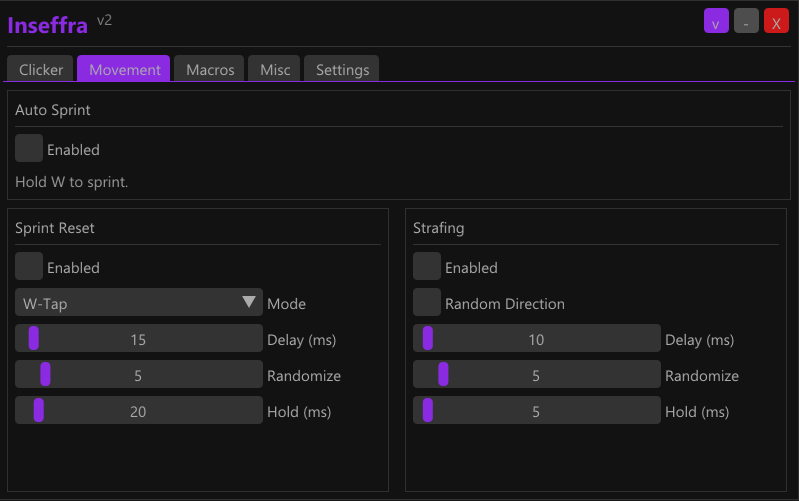
An advanced autoclicker built for Minecraft. Butterfly, Jitter, W-Tap, Strafing and more.

3.4K+ Downloads
Java Supported
Bedrock Supported
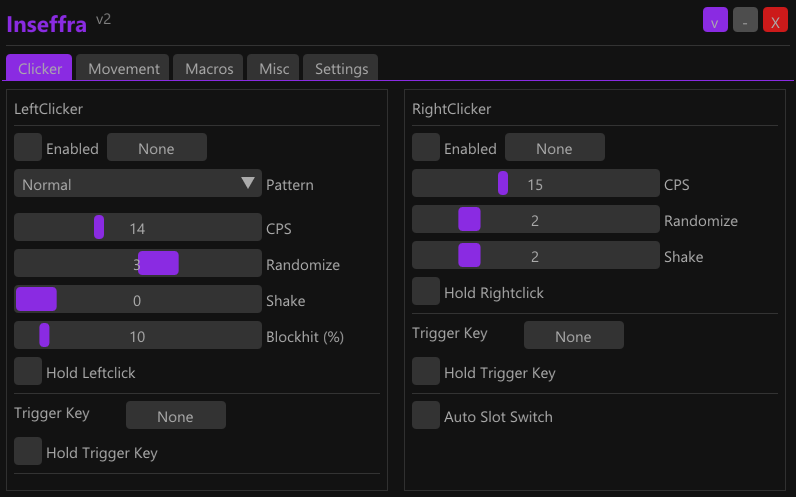
Clicker
Clicker
Movement
Movement
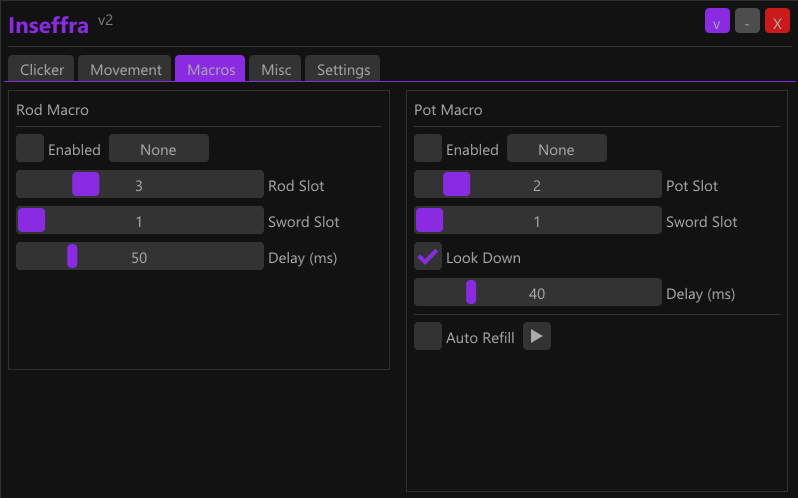
Macros
Macros
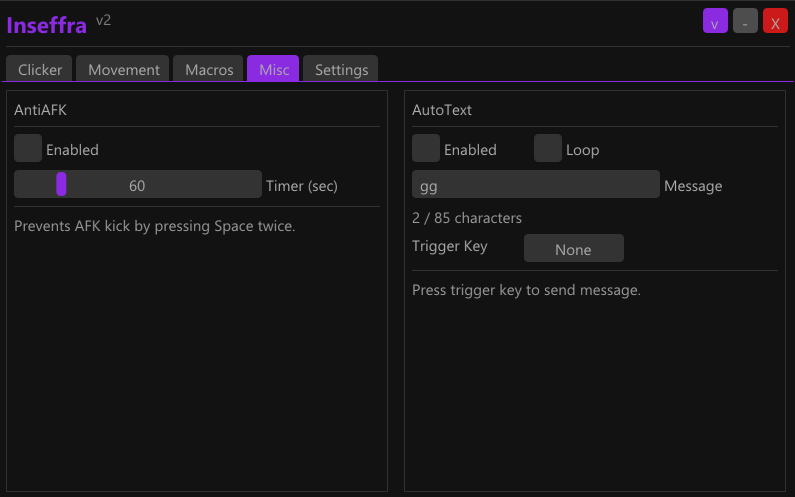
Misc
Misc
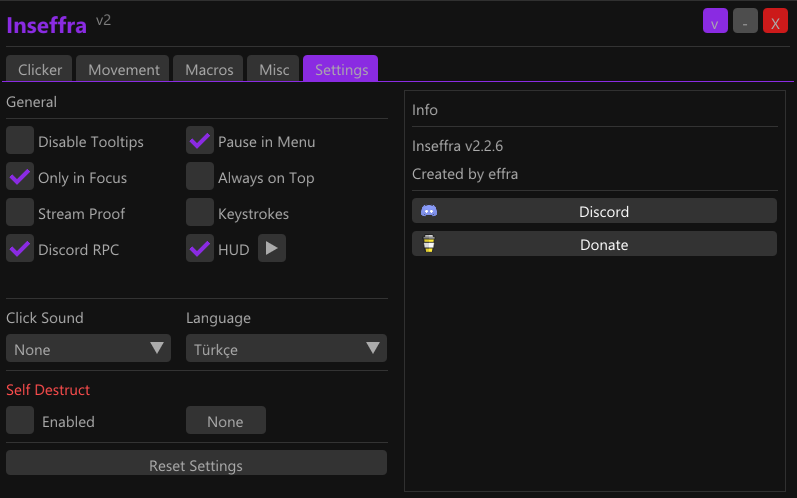
Settings
Settings

Why Inseffra?

What makes us different from other autoclickers

🎯
Click Patterns
Butterfly, Jitter, Sine, Normal — realistic click simulation
⚔️
PvP Macros
Rod, Pot, W-Tap, Sprint Reset — one key combos
🔀
Two Platforms
One solution for Java and Bedrock Edition
🔒
Stream Proof
Invisible on OBS and Discord screen share
⌨️
Keystrokes
In-game key and CPS overlay
💬
Discord RPC
Show Inseffra on your profile

Frequently Asked Questions

Everything you need to know

Is Inseffra free?
Yes, Inseffra is completely free and will always remain free. Download and start using it right away.
Why does my antivirus flag it?
Inseffra uses keyboard/mouse simulation and memory access techniques, which some antivirus software may flag as a false positive. This is very common for tools of this type. Check the Tria.ge sandbox report on the download page.
Which Minecraft editions are supported?
Both Java Edition and Bedrock Edition (Windows 10/11) are supported. It automatically detects which edition you're running and uses the appropriate input method.
Is there a ban risk?
Like any autoclicker, Inseffra may carry risk depending on server rules. Using realistic CPS ranges and click patterns minimizes the risk. Always check your server's rules.

Installation

Ready in 3 steps

1

Download & Extract

Download the RAR file and extract it with the password inseffra. Place it in any folder.

2

Add Antivirus Exception

Add the Inseffra folder to your Windows Defender or antivirus exceptions. Otherwise the file may get deleted.

3

Run

Launch Inseffra.exe. Open Minecraft, configure your settings, hold your keybind — that's it.